Open source · NixOS-based lab OS

One lab. One shared configuration.

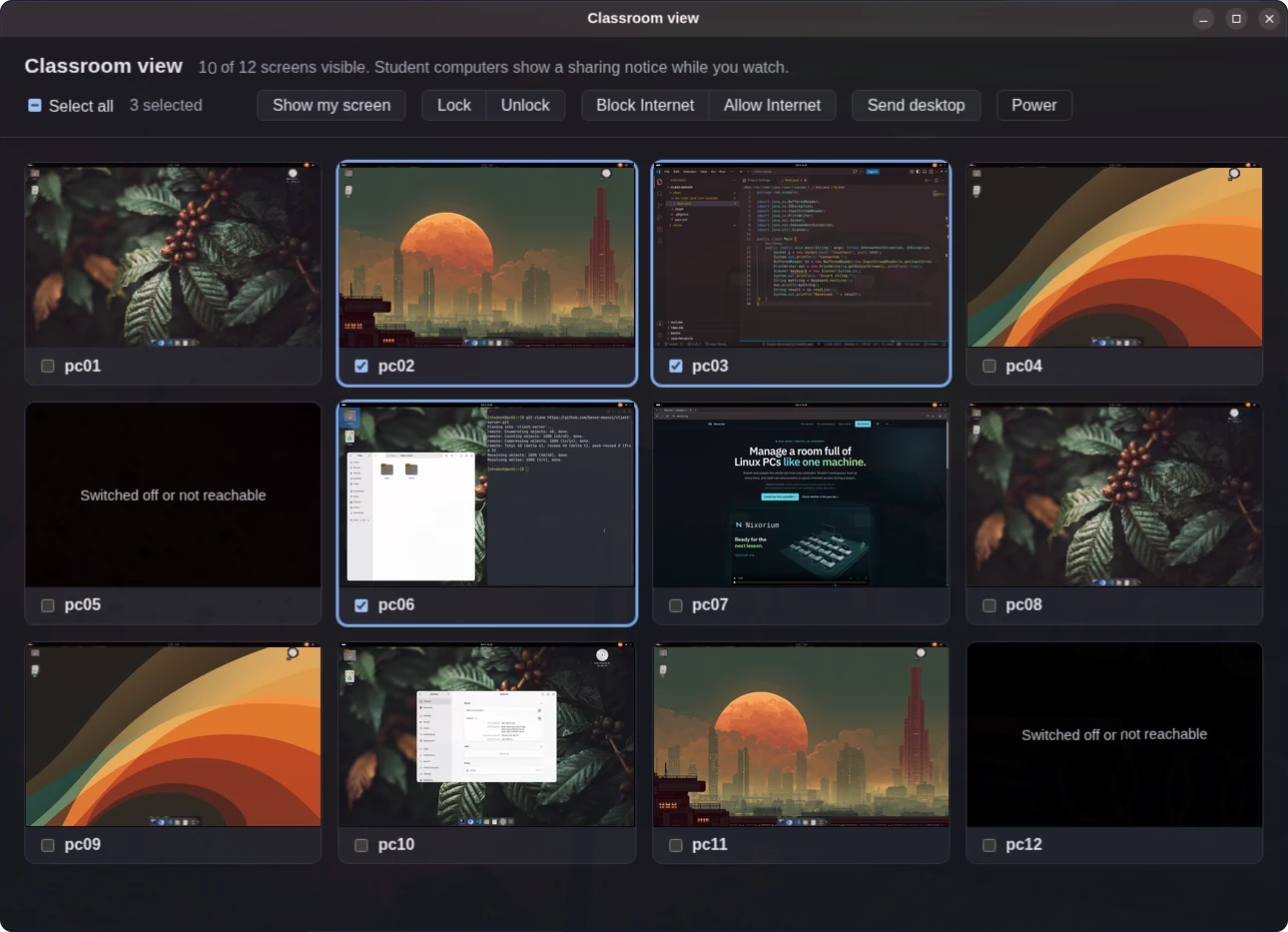
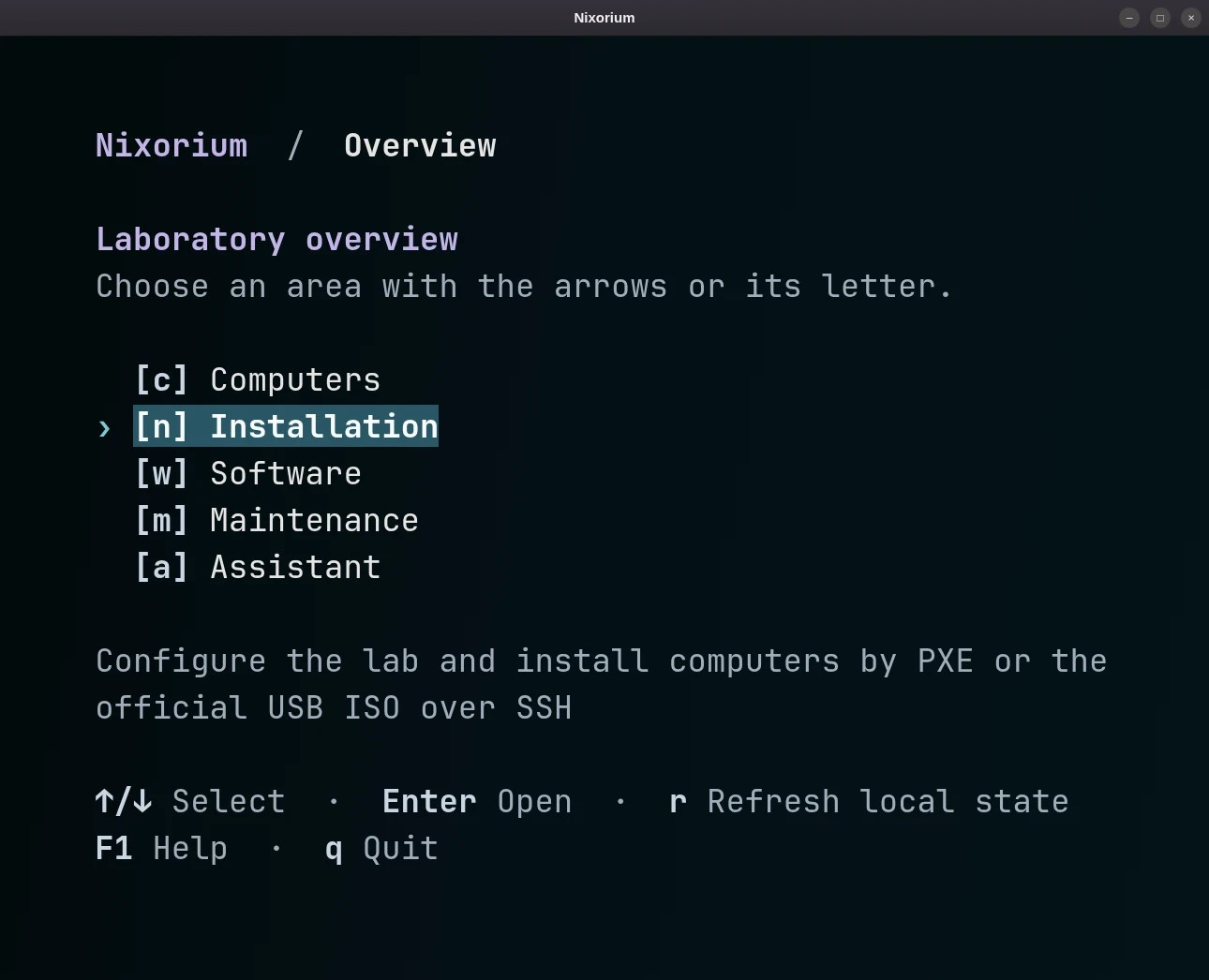
Nixorium is a NixOS-based operating system for shared computer labs. One controller installs, updates, and recreates the PCs over the LAN—even behind a captive portal or an internal no-Internet policy.

For classrooms, training rooms, libraries, and other shared computer spaces.

Set up the controller

curl -fsSL https://nixorium.org/install.sh | bash

Run from a NixOS live USB with Internet access. Installation erases the selected disk after confirmation. Continue site configuration in the generated private deployment.

Setup guide

One lab definition delivered to many workstationsA lab definition flows to the controller, which prepares systems and delivers them to twelve workstations over the permitted local network. The clients do not need direct Internet access.01 · DEFINELab definition02 · PREPAREControllerbuild + serveLAB LAN03 · DELIVER LOCALLYKnown client statepc01pc02pc03pc04pc05pc06pc07pc08pc09pc10pc11pc12No direct client InternetPrepared systems arrive over the LANOne lab definition delivered to many workstationsA vertical view of the lab definition flowing through the controller to six workstations over the local network.01 · DEFINELab definition02 · PREPAREControllerbuild + serveLAB LAN03 · KNOWN CLIENT STATEpc01pc02pc03pc04pc05pc06No direct client Internet required
Definition → controller → lab The controller prepares the system once, then delivers it to workstations over the permitted local network.
Why this exists

A room that starts consistent does not stay that way by itself.

One-off installs, fixes, and upgrades accumulate at each seat. Workstations drift apart, and reinstalling by hand is slow, repetitive, and difficult to reproduce.

Without a shared definitionpc01 ≠ pc02 ≠ pc03

Each machine carries its own history of manual changes.

With NixoriumOne declared lab state

The controller prepares the intended system for every selected PC.

For the people who run the room

One lab model supports teaching, IT, and day-to-day operation.

Teacher / lab owner

Start each class from a known student environment.

Reset the designated student home to its clean template, retain limited local history, and define lesson tools once for the room.

School IT / technician

Prepare the room without opening every client to the Internet.

Build on the controller, install and update over the permitted LAN, then recreate a workstation when needed.

NixOS / Linux operator

Change one machine or the room from the same baseline.

Keep site choices in one private definition, test the affected workstation, then deploy the reviewed result to the selected clients.

The room as one system

One change moves through the whole lab.

The controller is the lab's build and delivery point. Clients consume the prepared result over the local network.

  1. 01

    Define

    Describe the room

    Describe the shared system, users, packages, machines, and site-specific differences in versioned configuration.

  2. 02

    Prepare

    Build on the controller

    The controller fetches what is needed, evaluates the configuration, and builds the system for each target.

  3. 03

    Deliver

    Reach clients locally

    Install, update, or recreate clients over the LAN. Direct client Internet access is not part of the delivery path.

Define the intended room, prepare systems centrally, then deliver them over the permitted lab network.
Known ways back

Three recovery paths. Each for a different problem.

Start the next class clean, retrieve a recently retained file, or return the managed system to an earlier generation.

01For the next class

Reset the student home

At reboot, the current home becomes a read-only local snapshot and the clean template becomes active again.

Mechanism
Home reset
02For a missing file

Recover a recent session

An administrator can retrieve files from retained local snapshots. The current default keeps up to five.

Mechanism
Local snapshot
03For a system change

Return to a NixOS generation

Use an available previous generation for the managed operating system. Student files remain separate.

Mechanism
System generation
Why NixOS makes this possible

Describe the machine. Build that state again.

NixOS is the operating-system foundation beneath Nixorium. Traditional administration records a sequence of actions: install this, edit that, remember what changed. NixOS records the intended result as configuration.

01

Declarative

Describe the system you want instead of reproducing a manual setup procedure on every PC.

02

Repeatable

Use the same pinned inputs and lab configuration to rebuild equivalent machine environments.

03

Recoverable

A system change creates a generation, so a previous operating-system state remains available when you need to go back.

Repeatable configuration is not a promise that every build is bit-for-bit identical across all time and hardware.

One desired-state definition can build equivalent machine environments; NixOS generations keep previous system configurations available.
Agent Skill for the private lab

Describe the change. Let the project guide the agent.

The generated private deployment includes an Agent Skill that helps a supported coding agent find the right setting, keep the change scoped, and run relevant checks. The operator reviews the result and controls deployment.

  1. 01RequestAdd VLC only to pc05
  2. 02ReadProject maintenance guidance
  3. 03LocatePrivate deployment override
  4. 04ValidateBuild the affected host
  5. 05ResultReady for operator review
Operator review
The skill turns project-specific rules into a concrete path the coding agent can follow.
Open source · Currently beta

Evaluate it on one machine first.

Check requirements, network policy, disk selection, and recovery on one representative workstation before extending the configuration to the room.

Development snapshot: v2.0.0-beta.3. See GitHub Releases for published versions and release-specific instructions.